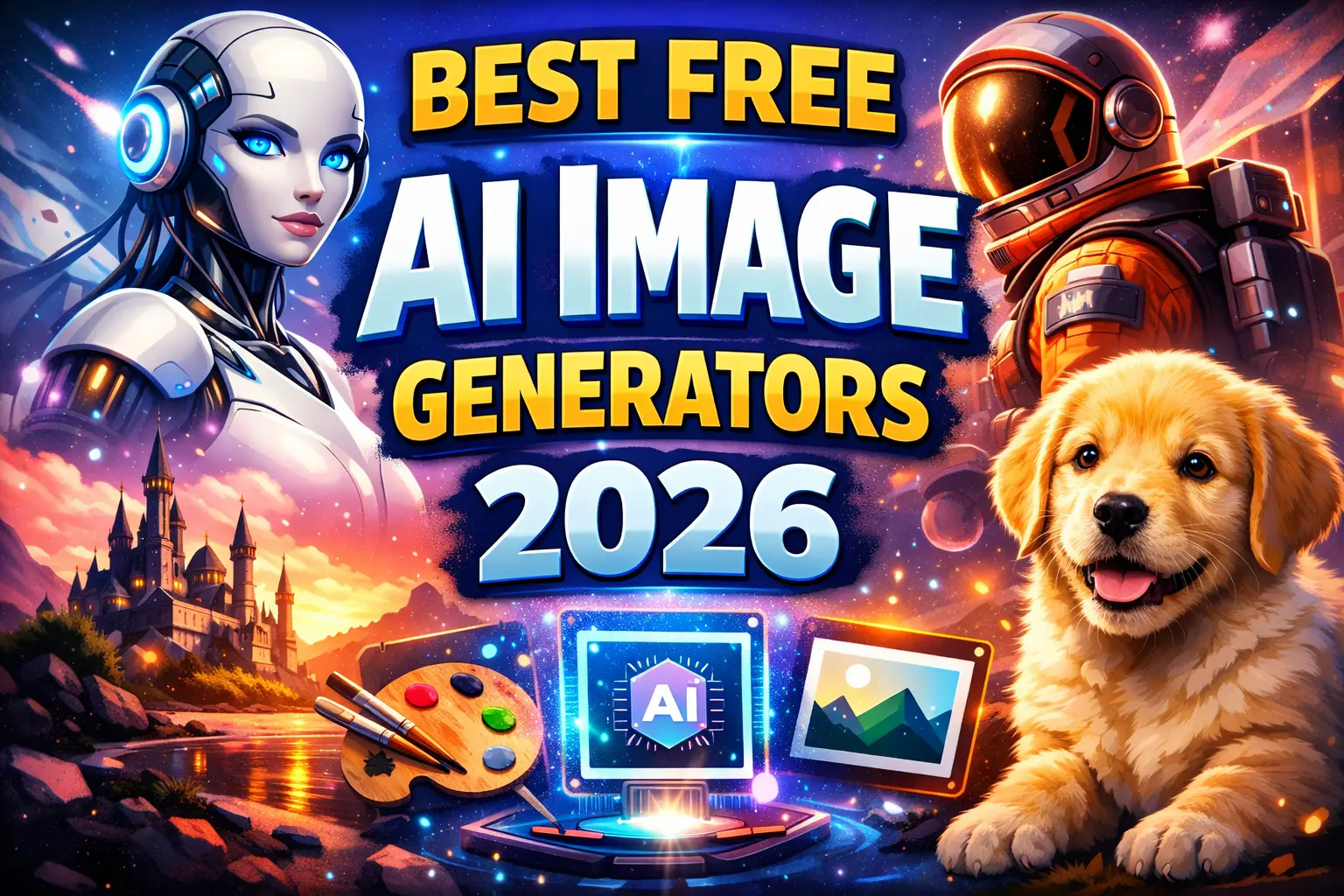
Artificial Intelligence has completely transformed the way we create digital art. Just a few years ago, designing high-quality images required professional software and advanced skills. Today, you can generate stunning artwork, social media graphics, illustrations, and even marketing visuals using simple text prompts.
If you’re looking for the best free AI image generators, this beginner-friendly guide will help you choose the right tool without feeling overwhelmed.
Whether you’re a blogger, student, content creator, or small business owner, this article from Afilpro will walk you through everything you need to know — clearly and simply.
What Is an AI Image Generator?
An AI image generator is a tool that converts text prompts into images using artificial intelligence. You type something like:
“A futuristic city at sunset in watercolor style”
And within seconds, the AI creates a unique image based on your description.
These tools use advanced machine learning models trained on large image datasets to understand styles, objects, lighting, and composition.
Why Use Free AI Image Generators?
Free AI tools are perfect for beginners because they:
- Require no design experience
- Save time and money
- Offer creative freedom
- Work directly in your browser
- Are useful for blogs, YouTube thumbnails, ads, and social media
For website owners working toward AdSense approval, creating original visuals using AI tools can also improve content quality and user engagement.
1. Microsoft Designer (Bing Image Creator)
Overview
Microsoft Designer includes a free AI image creator powered by advanced image generation models. It is beginner-friendly and works directly in your browser.
Why It’s Great for Beginners
- Completely free with Microsoft account
- Simple text-to-image interface
- Fast image generation
- High-quality outputs
- Safe content filtering
Best For
- Blog featured images
- Social media graphics
- YouTube thumbnails
- Basic marketing visuals
Limitations
- Daily generation limits
- Limited advanced customization
If you’re new to AI art, this is one of the easiest platforms to start with.
2. Canva AI Image Generator
Overview
Canva offers a built-in AI text-to-image feature inside its design platform. Since many beginners already use Canva for graphics, this integration makes it extremely convenient.
Key Features
- AI image generation inside design editor
- Templates + AI combination
- Easy drag-and-drop editing
- Free plan available
Best For
- Instagram posts
- Pinterest pins
- Blog banners
- Presentation slides
Limitations
- Limited free credits
- Some styles restricted to paid plans
If you already use Canva, this is a smooth upgrade to your workflow.
3. Leonardo AI
Overview
Leonardo AI is popular among creators who want more control over styles and artistic output.
Why It Stands Out
- Free daily tokens
- High-quality artistic outputs
- Multiple style models
- Advanced customization options
Best For
- Game assets
- Fantasy art
- Digital illustrations
- Creative experiments
Limitations
- Slight learning curve
- Token-based usage system
If you want better artistic quality than basic generators, Leonardo AI is worth exploring.
4. Playground AI
Overview
Playground AI offers powerful generation tools while still keeping a free plan.
Key Benefits
- Hundreds of free images daily
- Multiple AI models
- Canvas editing feature
- Image remixing
Best For
- Creative art projects
- Thumbnail creation
- Custom social graphics
Limitations
- Requires account signup
- Some advanced models paid
This platform balances power and simplicity quite well.
5. Craiyon (Formerly DALL·E Mini)
Overview
Craiyon is one of the simplest free AI image generators available online.
Why It’s Beginner-Friendly
- No login required
- Completely free
- Quick image generation
- Generates multiple variations
Best For
- Fun experiments
- Quick concept ideas
- Meme-style images
Limitations
- Lower image quality
- Ads on website
- Slower generation
If you’re just experimenting and want something extremely simple, Craiyon works well.
How to Choose the Best Free AI Image Generator
When selecting the right tool, consider:
1. Ease of Use
Beginners should prioritize simple interfaces.
2. Free Limits
Check daily image generation caps.
3. Image Quality
Some tools produce realistic results; others are more artistic.
4. Commercial Usage
If you’re running a website, confirm whether free images allow commercial use.
5. Editing Options
Some tools allow prompt editing, image resizing, or background removal.
Tips for Writing Better AI Image Prompts
To get better results, follow these simple tips:
- Be specific (include lighting, style, mood)
- Mention art style (realistic, watercolor, 3D render, cinematic)
- Specify camera angle if needed
- Add color preferences
- Keep prompts clear and descriptive
Example:
Instead of:
“Dog in park”
Write:
“Golden retriever running in a sunny park, cinematic lighting, ultra-realistic photography”
The more detailed your prompt, the better your result.
Are Free AI Image Generators Good for Blogging?
Yes — absolutely.
They help:
- Improve engagement
- Increase time on page
- Make articles visually appealing
- Reduce stock photo dependency
If you’re building a blog for monetization, combining strong writing with unique visuals gives your website a professional feel.
You may also want to read our guide on Best AI Writing Tools in 2026 to improve your overall content strategy.
Common Mistakes to Avoid
Many beginners make these errors:
- Using very short prompts
- Ignoring aspect ratio (important for blog images)
- Over-editing prompts repeatedly
- Not checking usage rights
- Using low-resolution images
Always download the highest resolution version available.
FAQ Section
1. Are free AI image generators really free?
Most tools offer limited free usage per day. Some require sign-up, while others (like Craiyon) are free without registration.
2. Can I use AI-generated images for commercial purposes?
It depends on the platform’s terms of service. Always check commercial usage rights before publishing on monetized websites.
3. Which AI image generator is best for beginners?
Microsoft Designer and Canva AI are the easiest options for beginners due to their simple interface and guided tools.
Conclusion
The world of AI art is growing rapidly, and beginners now have access to powerful creative tools without spending money.
The best free AI image generators provide:
- Easy-to-use interfaces
- High-quality outputs
- Fast image creation
- Useful features for bloggers and creators
If you’re just starting, try Microsoft Designer or Canva AI. If you want more artistic control, explore Leonardo AI or Playground AI.
AI image generation is no longer a complex technical skill — it’s a practical tool anyone can use.
Start experimenting today and bring your ideas to life.
0 Comments